
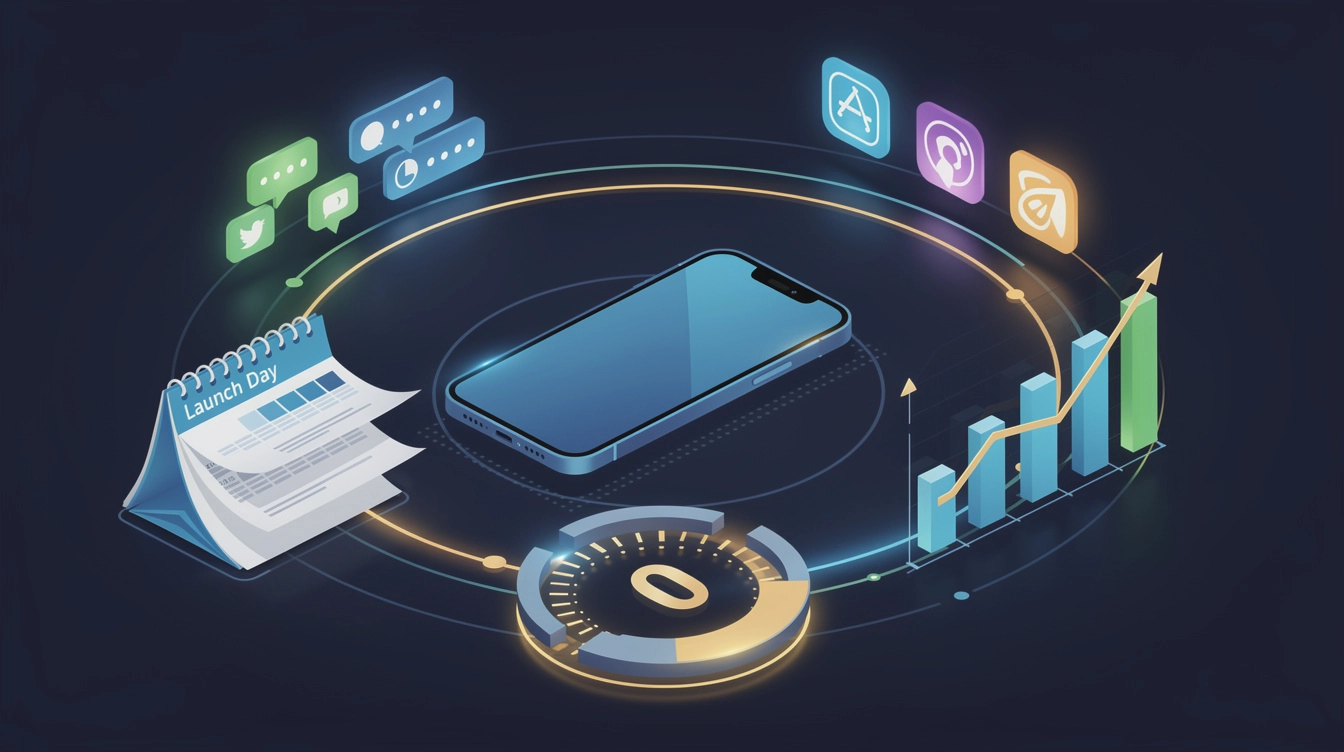
Launch day feels like a finish line. It isn't. It's a starting pistol — and most app creators show up to the race without their shoes on.
The window where an app naturally surfaces in the App Store, captures curious traffic, and benefits from "new" energy is short. Squander it with rushed content, zero audience, and a single tweet, and you're not getting it back. Here's how to actually use it.
The Real Problem: Most Launches Are Decided Before Day One
By the time your app goes live, the outcome is mostly already set. That sounds harsh, but it's freeing — because it means the work that matters happens in the weeks before launch, not on the day itself.
App creators who see strong early download momentum almost always share one trait: they've been building an audience before they needed one. That means starting to post content — screenshots, behind-the-scenes clips, feature previews, "coming soon" teasers — at least three to four weeks before your release date.
You don't need a big following to start. You need a warm one. A small audience that already knows what your app does converts dramatically better than a cold audience you scramble to reach on launch day.
Choose Your Platforms Before You Spread Thin
Not every platform suits every app. A productivity tool for professionals probably doesn't need a TikTok-first strategy. A visual creative app might live and die by Instagram and Pinterest. A niche utility could find its people faster on LinkedIn or Bluesky.
Pick two or three platforms where your likely users actually spend time, and go deep there before going wide. Once you have content that's working, expanding to additional platforms becomes much lower effort — especially when you're publishing from one place rather than manually re-uploading to each.
That said, don't ignore platforms just because they feel unfamiliar. LinkedIn consistently surprises app creators with engagement on genuine, non-salesy posts about the problem their app solves. Bluesky is small but has a highly engaged technical audience. Pinterest drives long-tail discovery that can compound over months.
Build a Launch Week — Not a Launch Day
A single post on launch day gets buried. A coordinated week of content does not.
Map out a sequence before you submit to the App Store:
- T-7 days: Announce the release date. Show the app in action. No download link yet — build anticipation.
- T-3 days: Go deeper on a specific feature or use case. Address the problem your app solves, not just the app itself.
- Launch day: Your main announcement. Make it visual. Short-form video consistently outperforms static images for reach. Caption should open with the problem, not "I'm excited to announce…"
- T+2 days: Share a reaction post — first reviews, early user feedback, a milestone if you hit one.
- T+5 days: A follow-up post targeting a different angle or audience segment. Think: who else needs this?
Scheduling all of this in advance removes the chaos from launch week. You shouldn't be writing captions at midnight when you're also refreshing your App Store ranking page.
Your App Store Page Is Part of Your Social Strategy
This one gets missed constantly. When someone sees your social post and taps through to the App Store, your listing has about three seconds to confirm their decision. If your screenshots don't immediately show what the app does, many of those clicks become bounces.
Before launch, treat your App Store Connect metadata like a creative asset, not a form to fill out. Your subtitle and first two lines of description should speak to the outcome, not the features. Screenshots should tell a story from left to right. If you've connected your App Store Connect account to a tool that surfaces this data alongside your social performance, you'll start to see which posts bring engaged traffic and which ones don't — which changes how you write captions going forward.
After Launch: Don't Go Quiet
The most common post-launch mistake isn't running out of ideas — it's assuming the work is done. App Store algorithms reward sustained engagement. Social algorithms do too.
Keep a content cadence going after launch week. That doesn't mean posting daily. It means staying consistent enough that new followers who discover you a month later find an active account, not a ghost town with three posts from whenever you launched.
Good post-launch content includes:
- Update announcements (even minor ones — users like knowing the app is alive)
- Customer reviews turned into quote graphics or short response videos
- Use case spotlights showing the app in real contexts
- Honest reflections on what you're building and why
The apps that build lasting audiences treat social media as an ongoing product conversation, not a promotional burst.
One More Thing
The creators who execute launches well aren't necessarily the most talented marketers. They're the most prepared. They start early, they schedule ahead, they know which metrics tell them what's working, and they don't treat launch day as the moment everything has to magically come together.
If you want to start building that kind of structure around your next launch — or your current one — MakePost is built specifically for app creators who want to manage social promotion and App Store analytics in one place, without the spreadsheet chaos.